If you are trying to relocate genesis_do_taxonomy_title_description() from its default location, genesis_before_loop on Category, Tag and Taxonomy archives in Genesis to after the header, genesis_after_header so that it becomes full width you might have noticed that the contents (headline and intro text) aren’t wrapped in a .wrap.
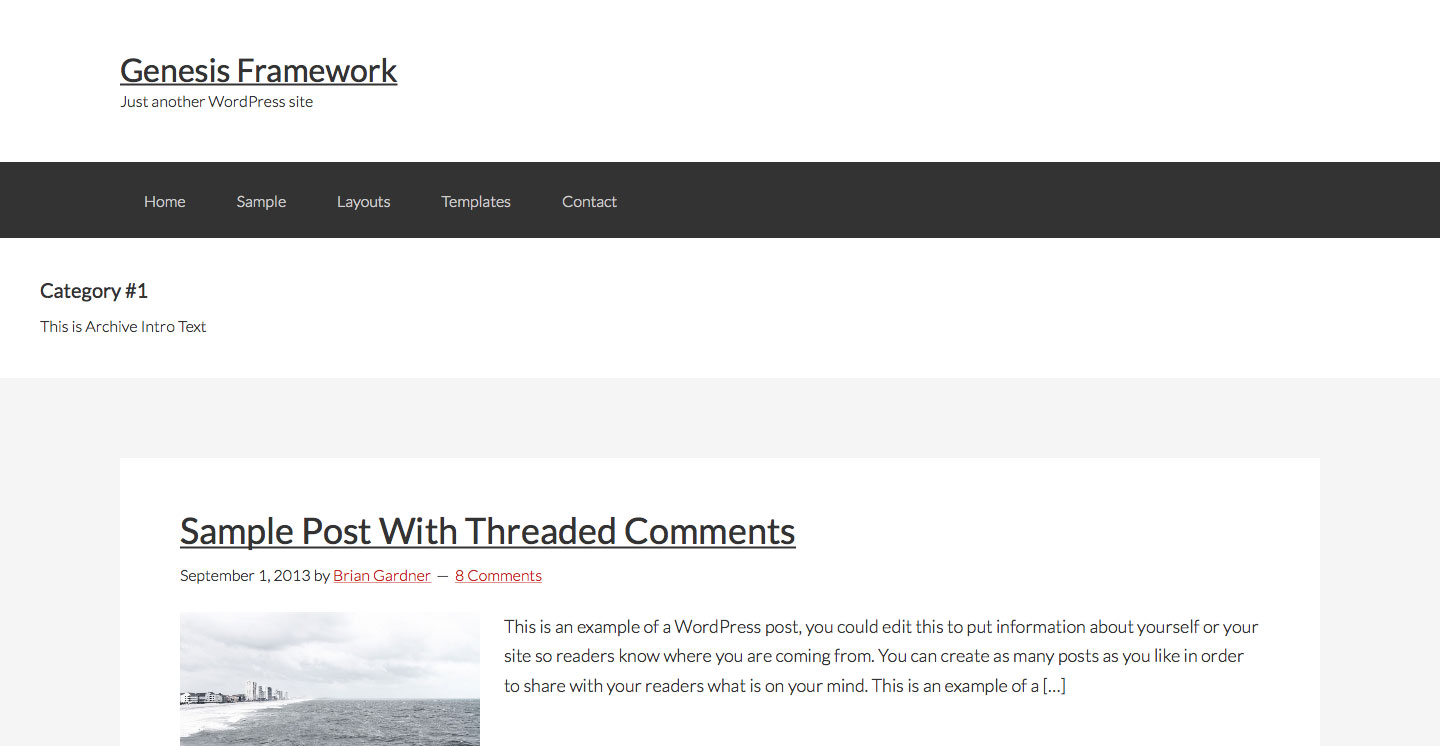
That is with
This file contains hidden or bidirectional Unicode text that may be interpreted or compiled differently than what appears below. To review, open the file in an editor that reveals hidden Unicode characters.
Learn more about bidirectional Unicode characters
| remove_action( 'genesis_before_loop', 'genesis_do_taxonomy_title_description', 15 ); | |
| add_action( 'genesis_after_header', 'genesis_do_taxonomy_title_description' ); |
We can wrap genesis_do_taxonomy_title_description() with our custom divs like this:
This file contains bidirectional Unicode text that may be interpreted or compiled differently than what appears below. To review, open the file in an editor that reveals hidden Unicode characters.
Learn more about bidirectional Unicode characters
| // Remove custom headline and / or description from category / tag / taxonomy archive pages | |
| remove_action( 'genesis_before_loop', 'genesis_do_taxonomy_title_description', 15 ); | |
| // Add custom headline and / or description on category / tag / taxonomy archive pages | |
| add_action( 'genesis_after_header', 'sk_taxonomy_title_description_opening_wrap' ); | |
| add_action( 'genesis_after_header', 'genesis_do_taxonomy_title_description' ); | |
| add_action( 'genesis_after_header', 'sk_taxonomy_title_description_closing_wrap' ); | |
| function sk_taxonomy_title_description_opening_wrap() { | |
| echo '<div class="custom-archive-description"><div class="wrap">'; | |
| } | |
| function sk_taxonomy_title_description_closing_wrap() { | |
| echo '</div></div>'; | |
| } |
to get
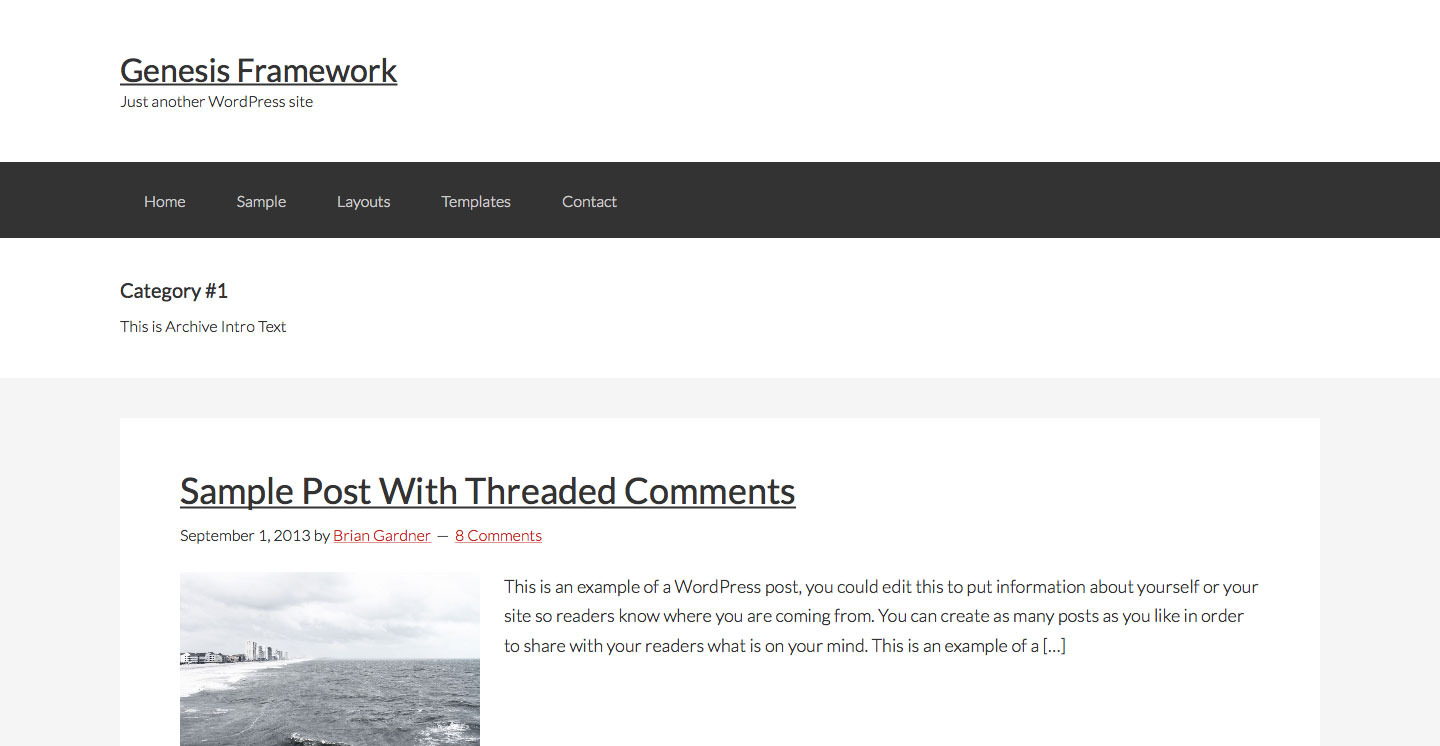
after adding
This file contains hidden or bidirectional Unicode text that may be interpreted or compiled differently than what appears below. To review, open the file in an editor that reveals hidden Unicode characters.
Learn more about bidirectional Unicode characters
| .custom-archive-description { | |
| background-color: #fff; | |
| padding: 40px; | |
| } | |
| .archive-description { | |
| padding: 0; | |
| margin-bottom: 0; | |
| } |
